
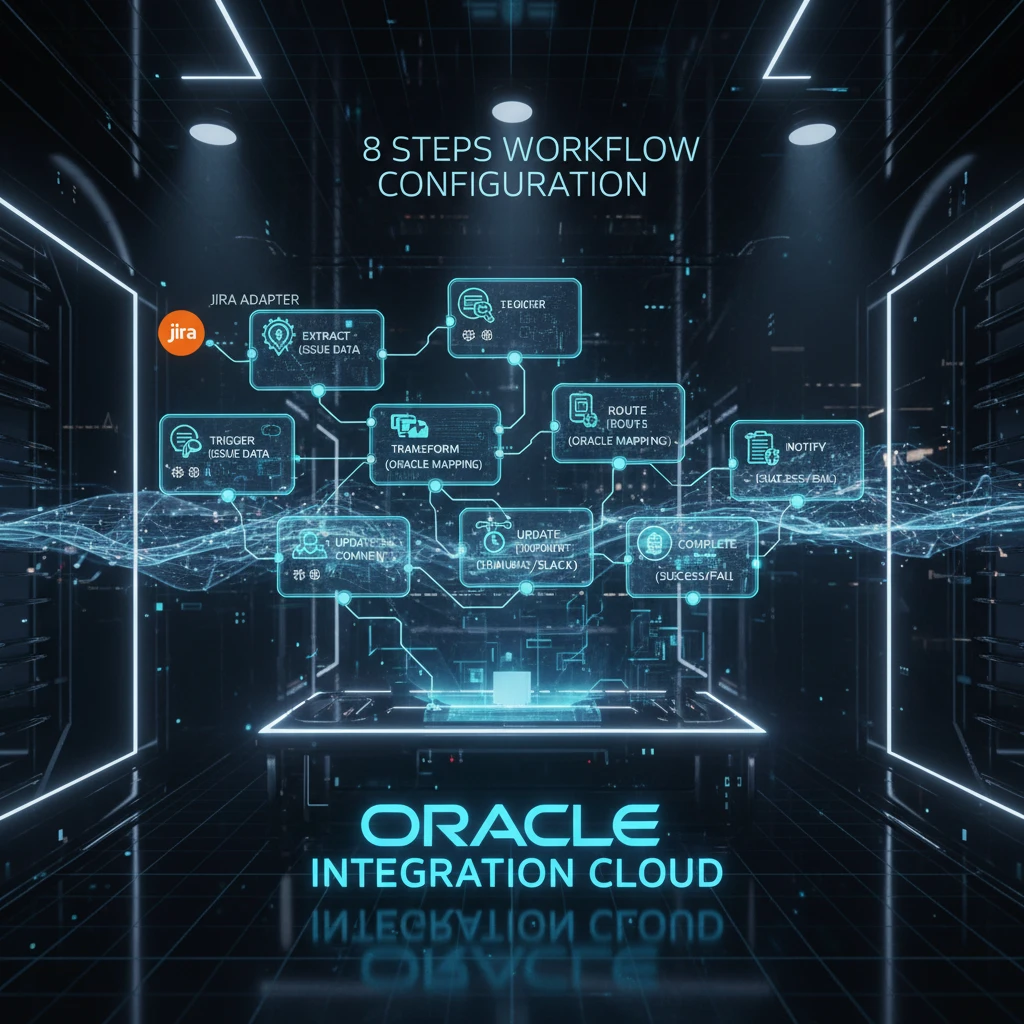
Jira Adapter for Oracle Integration Cloud : Objective;
Jira Service Management is Atlassian’s service management solution designed to help teams efficiently manage and resolve service requests, incidents, problems, and changes. Built on the Jira platform, it enables IT, development, operations, and business teams to collaborate seamlessly and deliver high-velocity service management.
It provides tools to receive, track, and manage requests from customers through various channels such as email, help centers, and embeddable widgets. These requests are organized into projects tailored for specific teams like IT, HR, or finance, allowing each team to manage their workflows and service goals effectively. We will discuss the used cases and Workflow to create that Jira Adapter for Oracle Integration Cloud (OIC).
Use Cases (integration with Oracle Database)
Here are some of the use cases:
- Project Data Management: Jira acts as a central hub for project data, and its integration with Oracle enables centralized data administration, ensuring data consistency and reducing duplication.
- Reporting and Analytics: Oracle Database’s robust reporting and analytics tools can be leveraged to provide detailed reports, metrics, and insights based on Jira’s project data.
- Data Migration: The integration allows for the migration of Jira data to Oracle, ensuring data integrity and consistency across platforms.
- Data Backup and Recovery: Jira’s integration with Oracle provides a backup and recovery solution for Jira data, ensuring that projects can be restored to previous states if needed.
- Data Transformation: The integration supports data transformation processes, allowing for the conversion of Jira data into Oracle-compatible formats for further analysis and reporting.
- These use cases highlight the versatility and importance of the Jira Oracle Integration Adapter in modern project management and data management practices.
Workflow to Create and Add a Jira Adapter Connection to an Integration
- Decide where to work (in or out a project)
- Create the adapter connections for the applications you want to integrate. The connections can be reused in multiple integrations and are typically created by the administrator.
- Create the integration. When you do this, you add trigger (source) and invoke (target) connections to the integration.
- Map data between the trigger connection data structure and the invoke connection data structure.
- (Optional) Create lookups that map the different values used by those applications to identify the same type of object (such as gender codes or country codes).
- Activate the integration.
- You must register a webhook after you create an integration that includes a Jira Adapter as a trigger (source) connection.
- Activate the integration flow in Oracle Integration and copy the endpoint URL.
- Log in to your Atlassian account.
- Navigate to the Jira administration console, then System, and then Webhooks(in the Advanced section).
- Click Create a webhook.
- Enter a webhook name.
- In the Statusfield, select Enabled.
- In the URLfield, paste the endpoint URL that you copied in step 1.
- In the Issue related eventssection, you must specify the JQL query that you entered on the trigger Operations page in Oracle Integration.
-Step 8 only applies to the Comment Created, Comment Updated, Issue Created, and Issue Updated events.
In the Events field, select the event that you configured in Oracle Integration.
Click Create.
- Monitor the integration on the dashboard.
- Track payload fields in messages during runtime.
- Manage errors at the integration level, connection level, or specific integration instance level.
References :
Oracle® Cloud Using the Jira Adapter with Oracle Integration 3
F45560-08 – December 2025